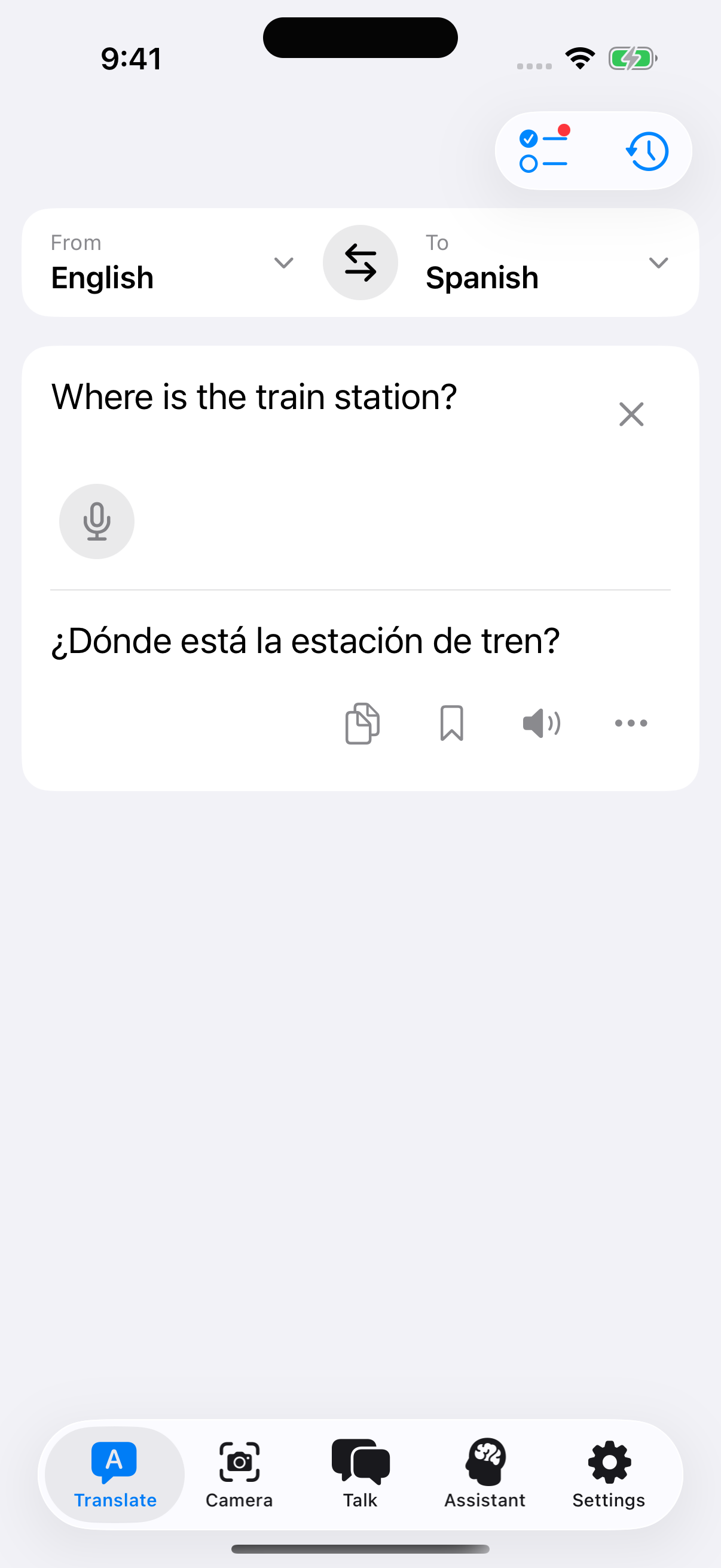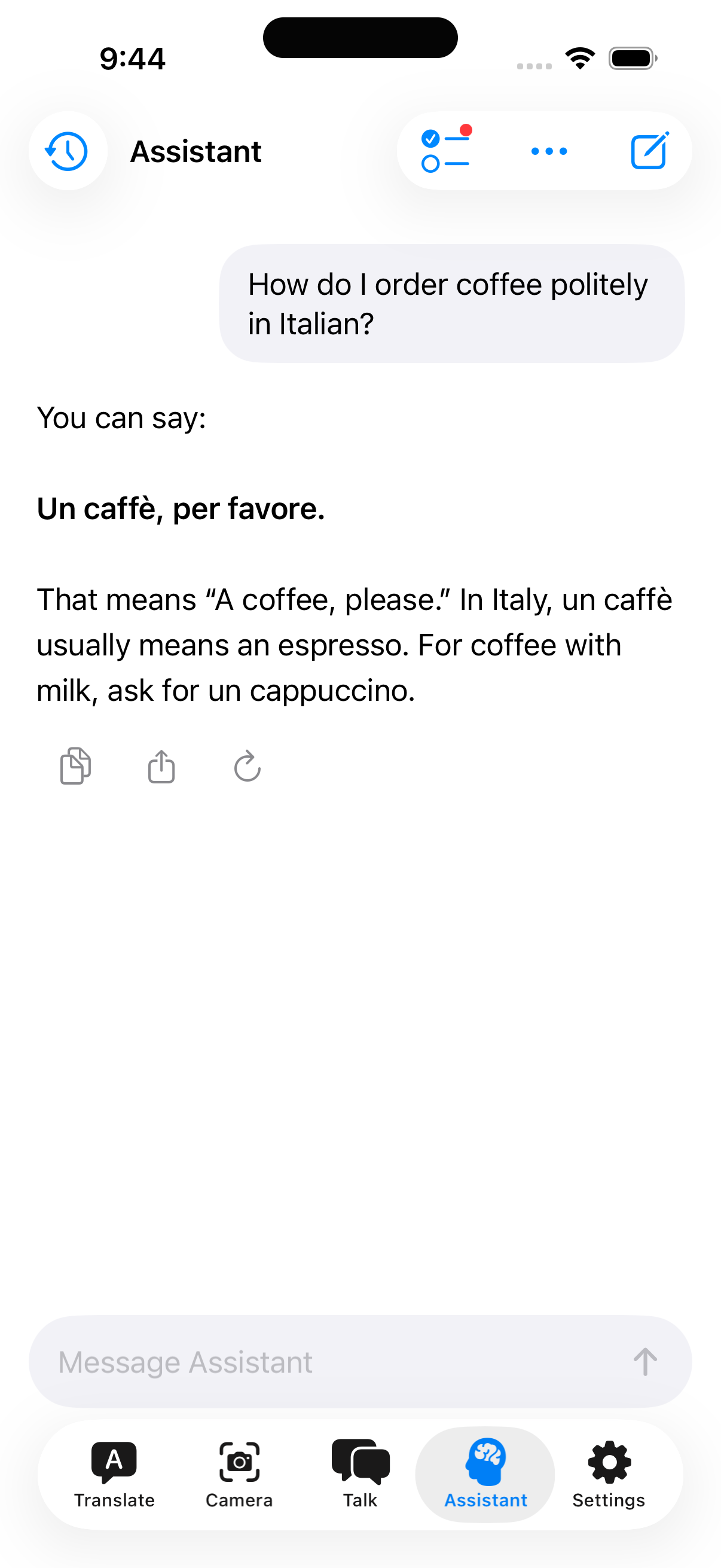
Type it, say it, or point your camera at it
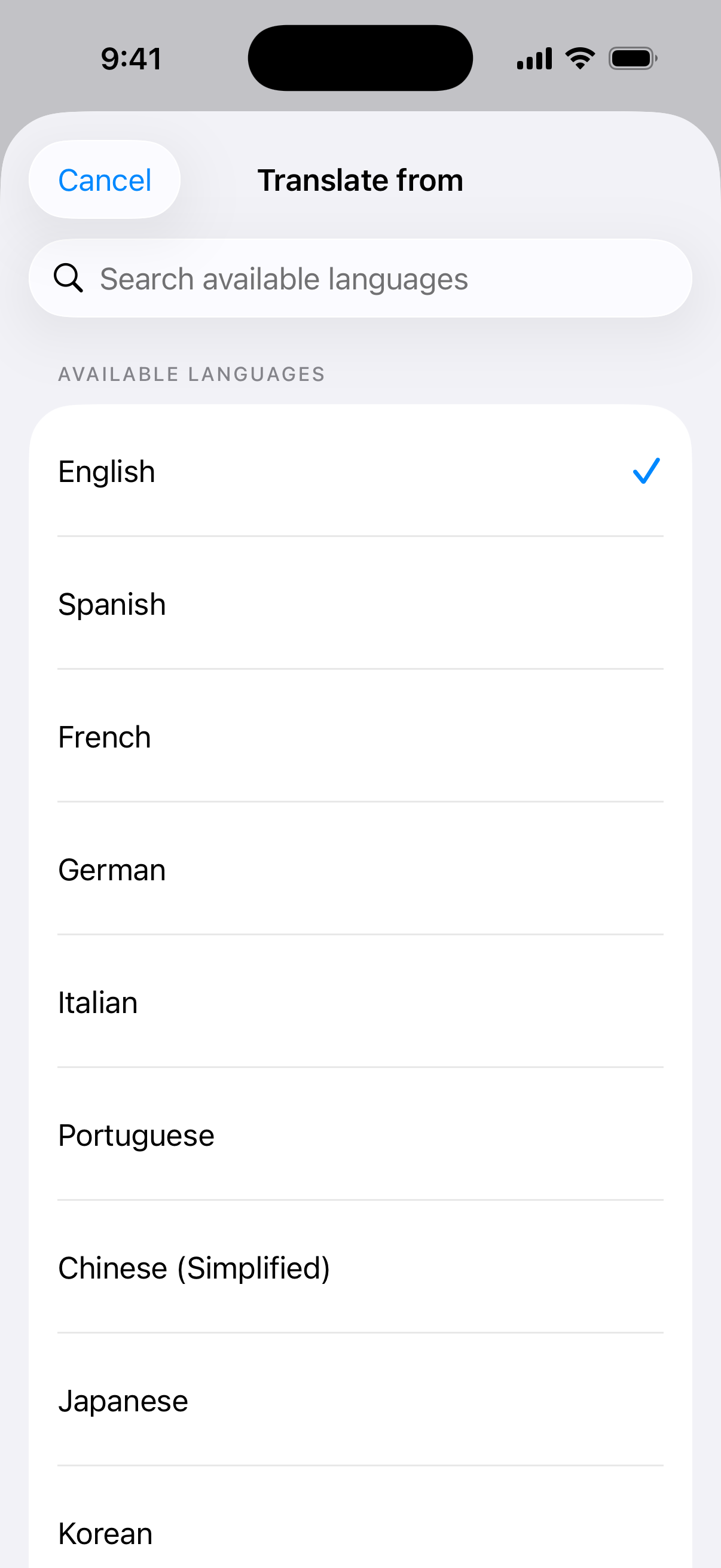
Offlinguo translates across 155 languages: text you type, photos you take, words you say, and a keyboard that works inside every other app on your phone. It even works offline.

155 languages
- English
- Español
- Français
- Deutsch
- Italiano
- Português
- Nederlands
- Svenska
- Polski
- Čeština
- Magyar
- Română
- Ελληνικά
- Русский
- Українська
- Türkçe
- Tiếng Việt
- Bahasa Indonesia
- العربية
- עברית
- فارسی
- हिन्दी
- বাংলা
- ਪੰਜਾਬੀ
- ગુજરાતી
- தமிழ்
- తెలుగు
- ಕನ್ನಡ
- മലയാളം
- සිංහල
- ไทย
- ລາວ
- ខ្មែរ
- မြန်မာ
- 中文
- 日本語
- 한국어
- Kiswahili
- አማርኛ
- ქართული
- Հայերեն
No connection needed
Install the on-device engine once and 45 languages work anywhere, any time. On a plane, underground, on a mountain, or abroad with data switched off.
Nothing to sign up for
No account, no email, no password. Your translation history is stored on your phone and never synced to us.
Native, not a web page
Camera, microphone, and a system keyboard that works inside every other app you already use.
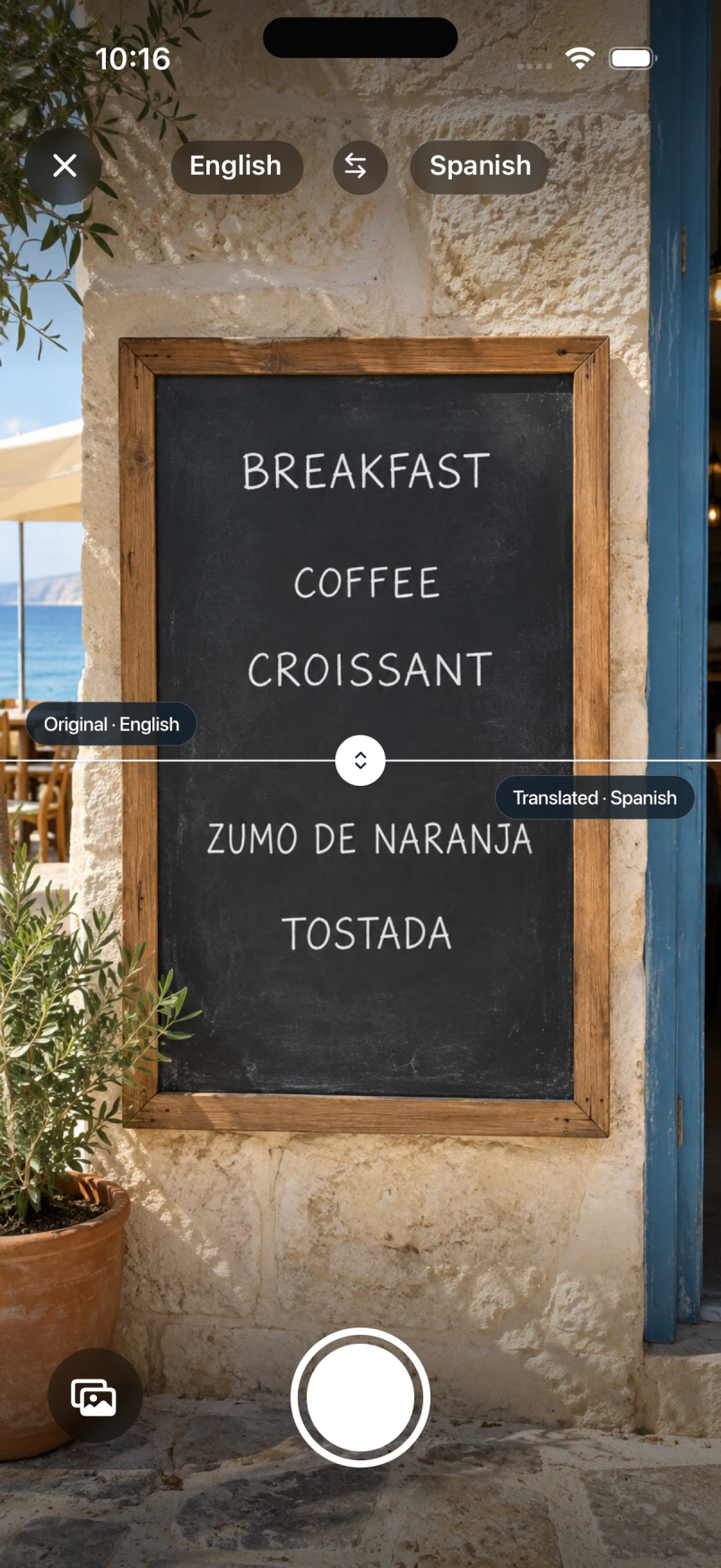
Point it at the menu
Street signs, product labels, a page of a contract. Offlinguo finds the text that matters, translates it in place, and lets you tap any block to see the original. It scans documents up to four pages, and it tells you when a photo holds too much text to be useful instead of quietly translating the first thing it sees.
Translate without leaving the app you are in
The Offlinguo keyboard works anywhere you type. Write in your language, tap translate, send it in theirs. Messages, email, forms, anything with a text field. It switches itself off in password fields.
Or just say it out loud
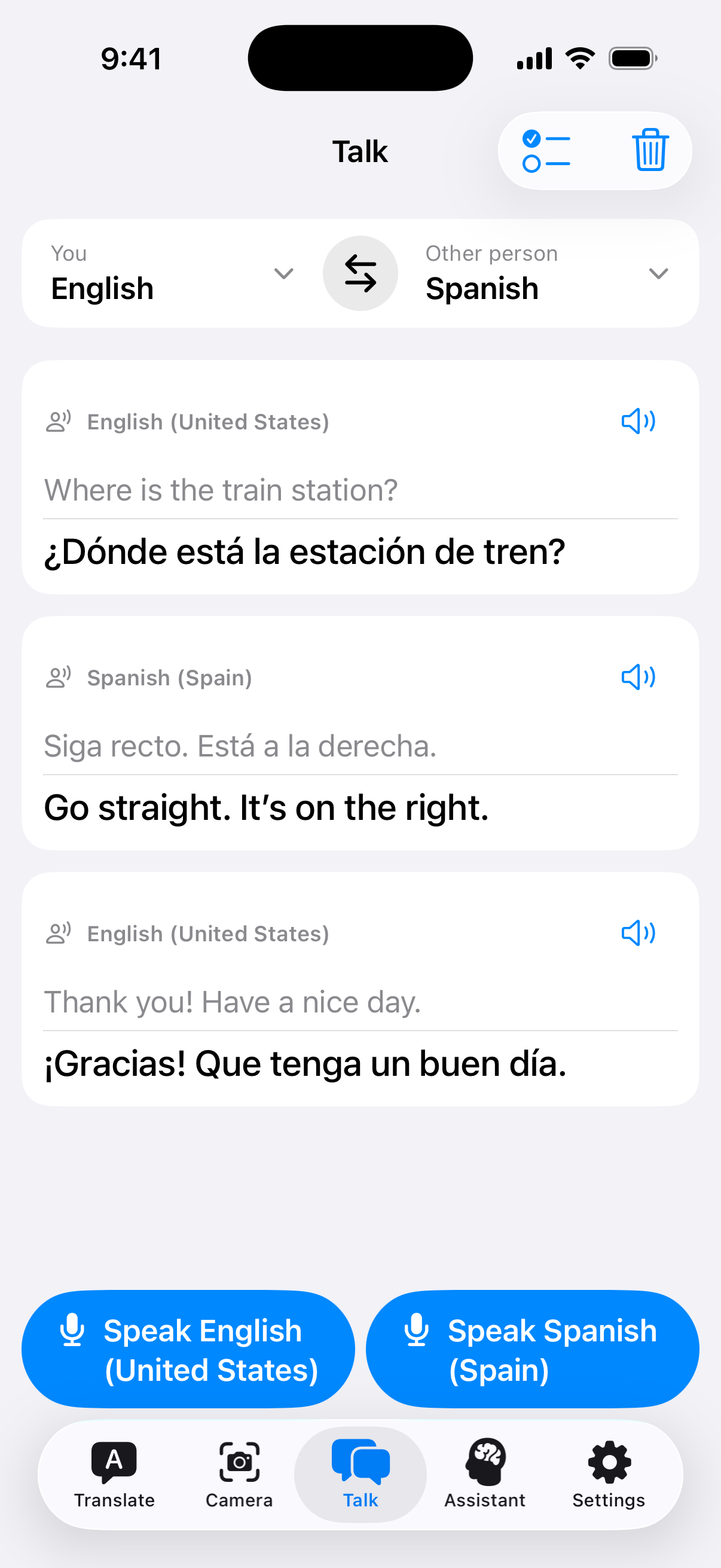
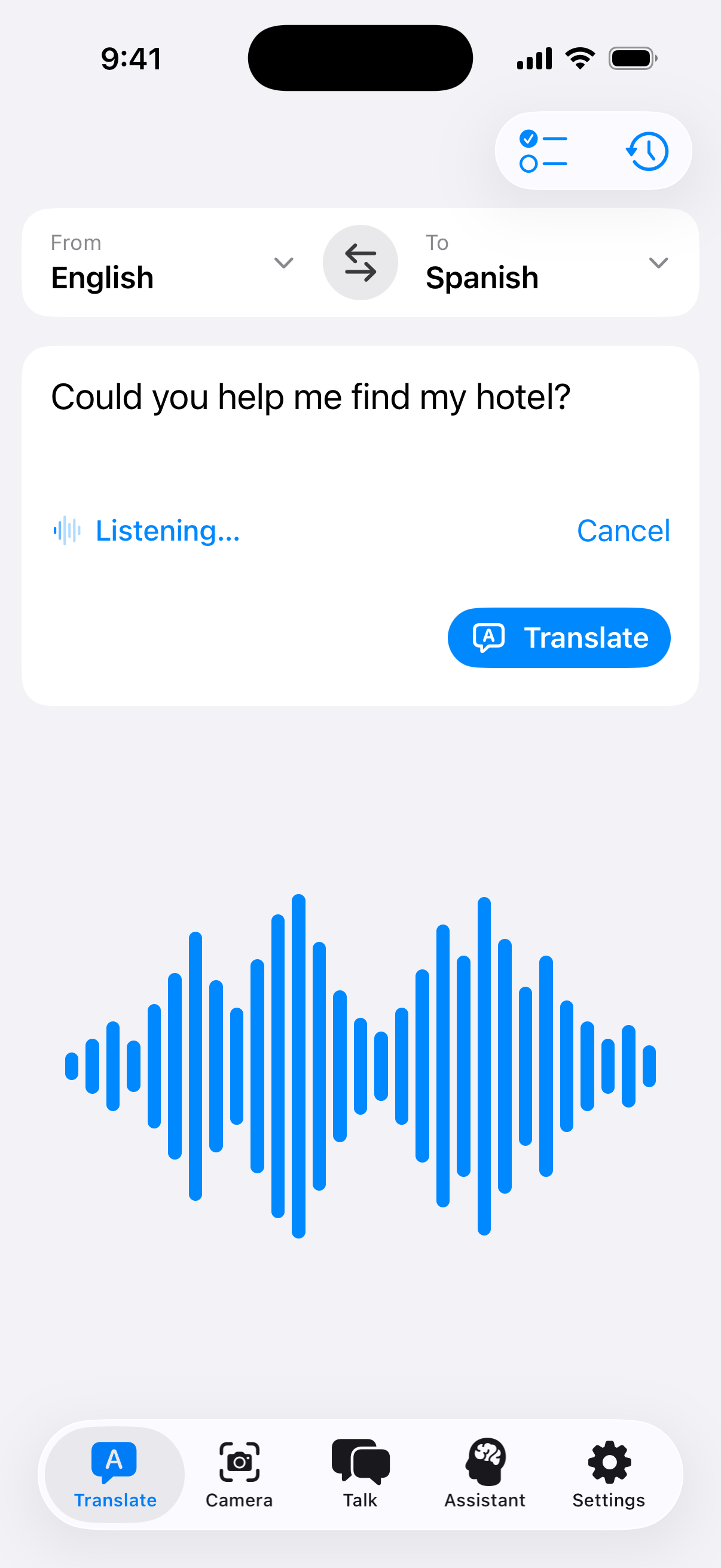
Speak and get it back translated, for the sentences you would never manage to type while someone stands there waiting for an answer.
And the parts you only notice on the third day of a trip
- A phrasebook that talks back
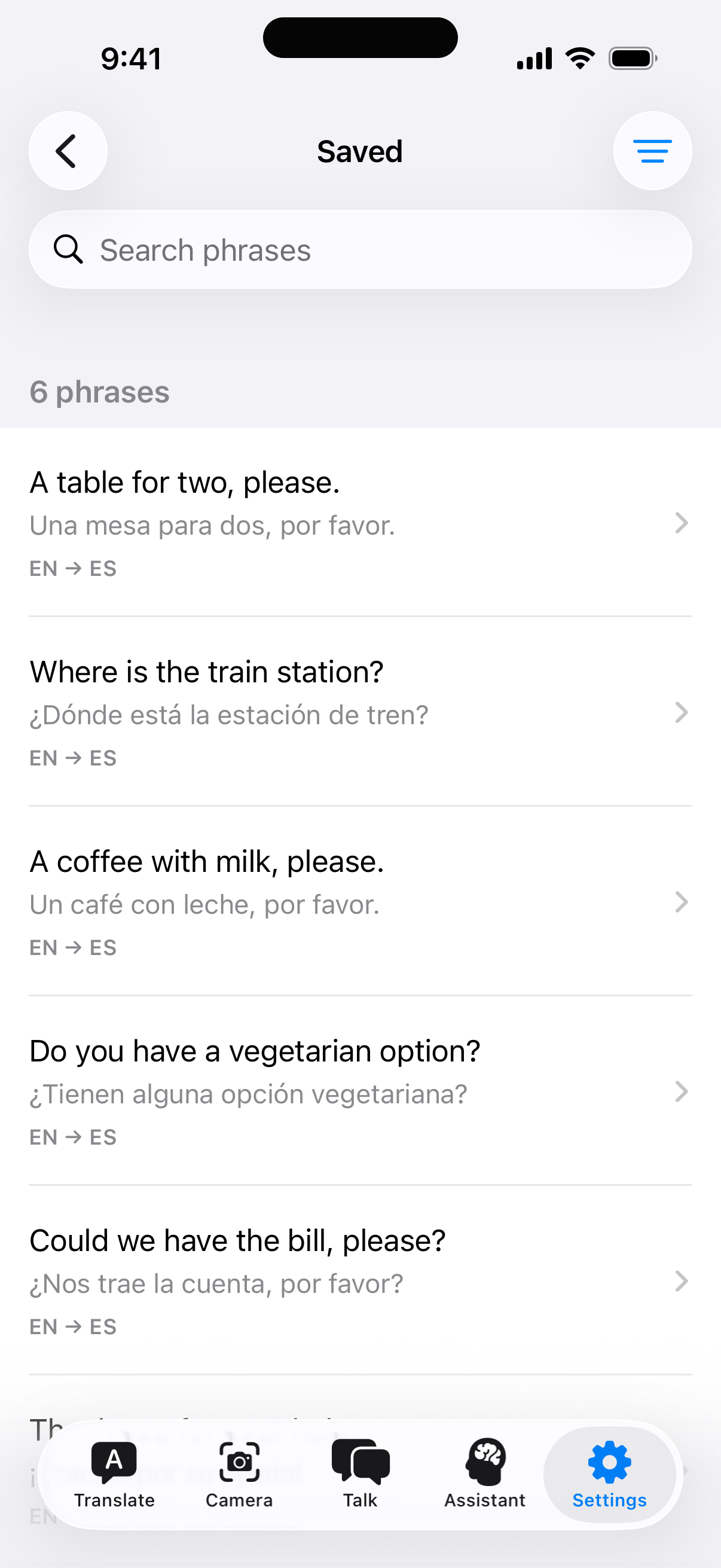
- Save the phrases you keep needing and file them under Greetings, Food & Dining, Transport, Directions, Shopping or Emergencies. Or make your own tags. It is the page of a travel guide you actually wrote yourself.
- Hear how it is said
- Tap the speaker on any translation to hear it out loud, for most languages. Reading a phrase and pronouncing it are different problems, and pointing at your screen only gets you so far.
- Everything you translated, kept
- Past translations are saved, searchable, and can be favourited or run again. They stay on your phone, they are never synced to us, and you can switch history off or delete it whenever you want.
- No need to know the language
- Auto-detect works out what you are looking at. Point the camera at a sign in a script you cannot read and it resolves the source for you.
Made for iPhone. Powered by Apple silicon.
The offline engine runs through MLX, Apple’s machine learning framework for its own chips. MLX is built around the unified memory architecture, so the model and the app share the same pool instead of copying between them.
That is what makes a 4-billion-parameter translation model fit on a phone at all. It is quantised to four bits, about 2.2 GB on disk, and it answers in the time it takes you to look up from the menu. No server, no round trip, no waiting on a bar of signal that is not there.
What “offline” actually means here
Most translation apps need a connection for every sentence. Offlinguo uses one when you have it, because it gives better results across the full 155-language catalogue.
When the connection goes, it switches to a translation model stored on your phone. That download is about 2.2 GB and covers 45 languages. Nothing is transmitted in that mode. The translation happens on the device, the same way the camera or the calculator does.
Questions
- Does it really work with no internet?
- Yes, for 45 languages. You download a translation model to your phone once, about 2.2 GB, and those languages then work with no connection at all. The rest of the 155-language catalogue needs a connection, and the app tells you which is which rather than quietly producing nonsense.
- Do I need an account?
- No. There is no sign-up, no email and no password. Open the app and translate.
- What happens to the text I translate?
- Offline, it never leaves your device. Online, it goes to our service and on to Cloudflare Workers AI to produce the translation, then it is discarded. We do not store the text of your translations.
- How does the keyboard work?
- Offlinguo installs an optional system keyboard. Type in any app, tap translate, and your text is replaced with the translation before you send it. It disables itself in password fields.
- Is the translation any good?
- It is machine translation, so it will sometimes be wrong, including in ways that read perfectly fluently. It is good for menus, signs, directions and everyday conversation. Do not rely on it for medical, legal or safety-critical communication.