
A conversation has two sides
Talk keeps the transcript and translation together so you can follow who said what. Ask a short question, let the other person respond and take the next turn. It is designed for a shared exchange on one iPhone.
Voice & Talk · Premium
The person who knows the way is right in front of you. Choose a language for each of you, take turns speaking and use Talk to follow the exchange. A few words can open up the rest of your day.
Included in Premium on supported iPhones. Both languages need compatible on-device speech resources.
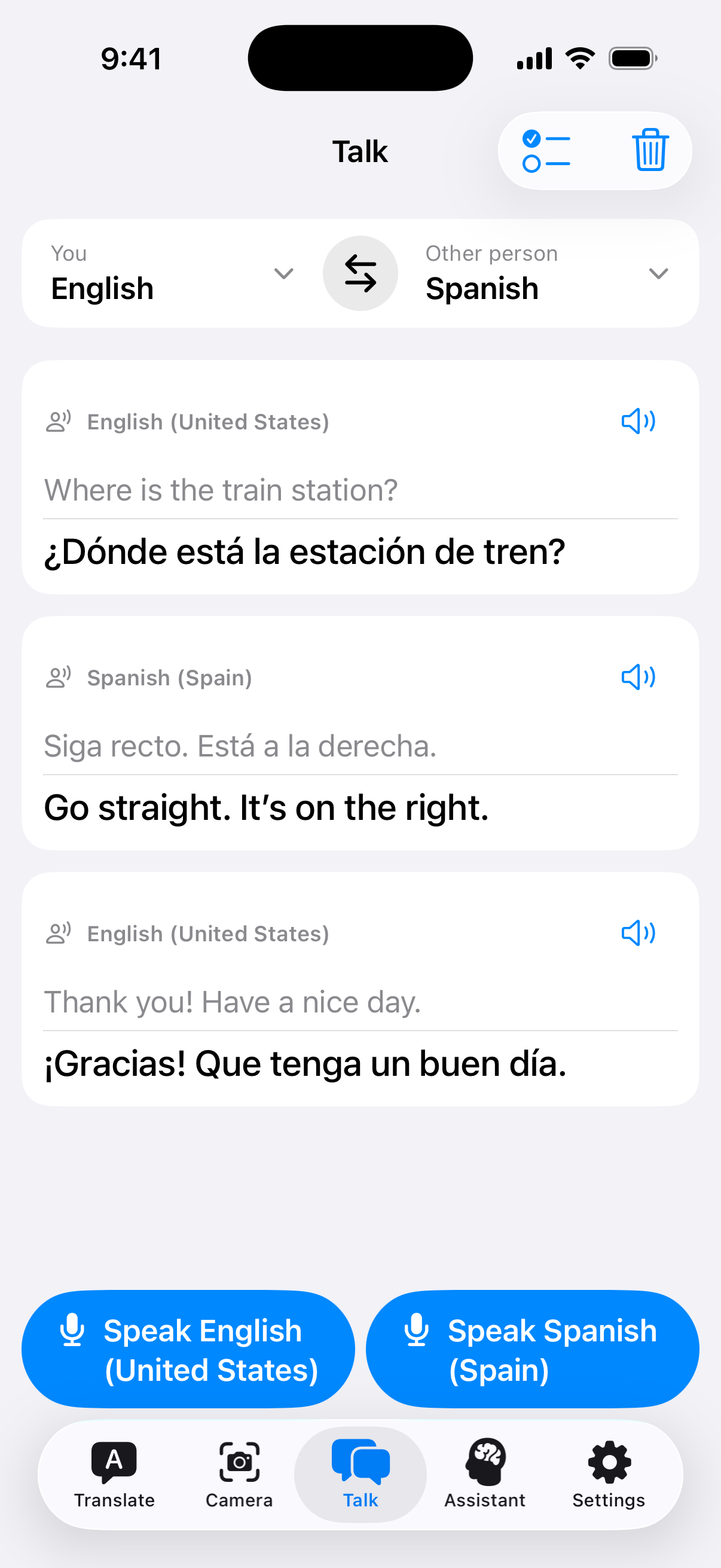
Talk keeps the transcript and translation together so you can follow who said what. Ask a short question, let the other person respond and take the next turn. It is designed for a shared exchange on one iPhone.
Use the microphone in Translate to turn your speech into text, then translate it. It is useful for a sentence you know how to say but would rather not type. Choose the source language first and check the transcript before relying on the result.
Speak one at a time and keep the phone close enough to hear. Short, complete sentences give the exchange a clearer shape. Read back an unexpected result or ask again; a noisy street or an unfamiliar name can trip up speech recognition.
A little preparation
While connected, complete the translator setup and the speech resources requested for each language. Talk needs both on-device recognition and compatible installed voices.
Open Talk, select one language for each person and allow the microphone and speech permissions when prompted.
Speak a short sentence, follow its transcript and translation, then give the other person a turn. Try this once offline before your trip.